
How to use effects processing to make royalty-free music work with your video
Choosing the right royalty-free music is only the first step in creating professional, immersive content. By applying simple effects processing, you can make your tracks fit your visuals perfectly, turning generic background music into a more cinematic and immersive experience.
Give your music a whole new dimension
Royalty-free music provides a solid foundation, but effects processing allows you to completely reshape its character. Reverb, delay, EQ, filtering, and other effects let you match the emotion, space, and energy of a scene. A single track can feel tense, intimate, epic, or playful depending on how you manipulate it, giving you flexibility and creative control without constantly searching for the “perfect” track.
10 ways effects can transform royalty-free music
So, lets get you started with some inspiring ‘effect adding’ applications to give your videos an extra dimension.
1. Reverbs for smooth cuts

Quick cuts in music can feel jarring. Applying a short, subtle reverb helps smooth transitions, letting the track flow naturally across scene edits. This is perfect for montage sequences, fast-paced vlogs, or any content where abrupt cuts might distract the viewer.
2. “Other room” effect

To create the illusion that music is playing in a different room:
- Start by low-pass filtering the track to remove high frequencies that wouldn’t travel through walls.
- Add mild reverb with a small room size or long decay to emulate sound bouncing in a confined space.
- Reduce overall volume and slightly compress or EQ to mimic muffled dynamics.
- Optional: add a touch of stereo widening or subtle delay for extra spatial realism.
This combination of muffling, softening, and spreading tricks the listener into perceiving the music as coming from another space. This is ideal for storytelling moments when a character enters or moves between rooms or environments.
3. Filtering to create tension

High-pass and low-pass filters can isolate or remove frequency ranges, generating suspense or claustrophobic energy. Slowly opening a filter can also build anticipation, making it perfect for horror, thrillers, or dramatic reveals.
4. Room reverbs for spatial matching

Subtle room reverb makes your music sound like it’s physically in the same space as your scene. This is invaluable for documentaries, drama podcasts, or intimate dialogue scenes, where the music needs to feel naturally integrated into the environment.
5. Delays to emphasise rhythm

Short, timed delays add depth and rhythmic interest without overpowering the track. They can accentuate key visual moments, like an action hit or a transition, and make music feel more alive.
6. Modulation effects for emotion

Chorus, flanger, and phaser effects add movement and emotional colour. Use them to make music feel dreamy, reflective, or evolving, enhancing flashbacks, dream sequences, or introspective scenes.
7. Distortion and saturation for attitude
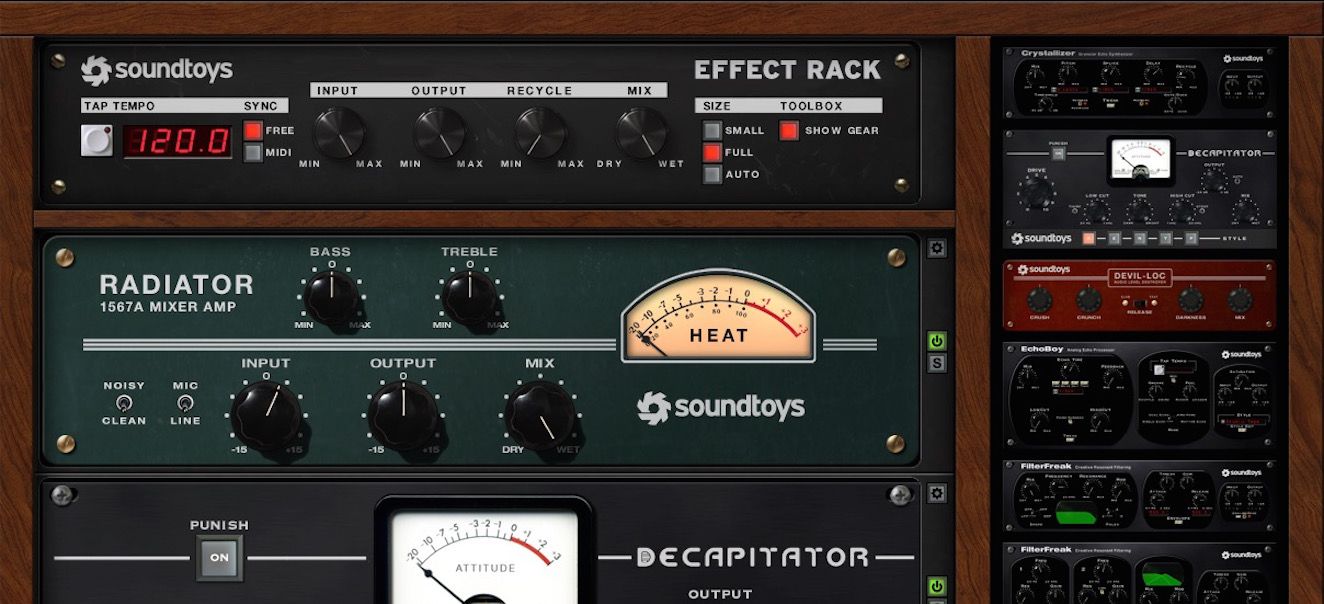
Light overdrive or saturation adds grit and intensity, perfect for urban content, gaming montages, or action sequences. Even subtle application can make a clean track feel much more energetic and dynamic.
8. Sidechain compression for dialogue or effects

Sidechain compression allows music to “duck” around dialogue or sound effects, maintaining clarity without cutting tracks completely. It’s especially useful in tutorials, podcasts, or any content where speech is critical.
9. Pitch shifting for dramatic effect
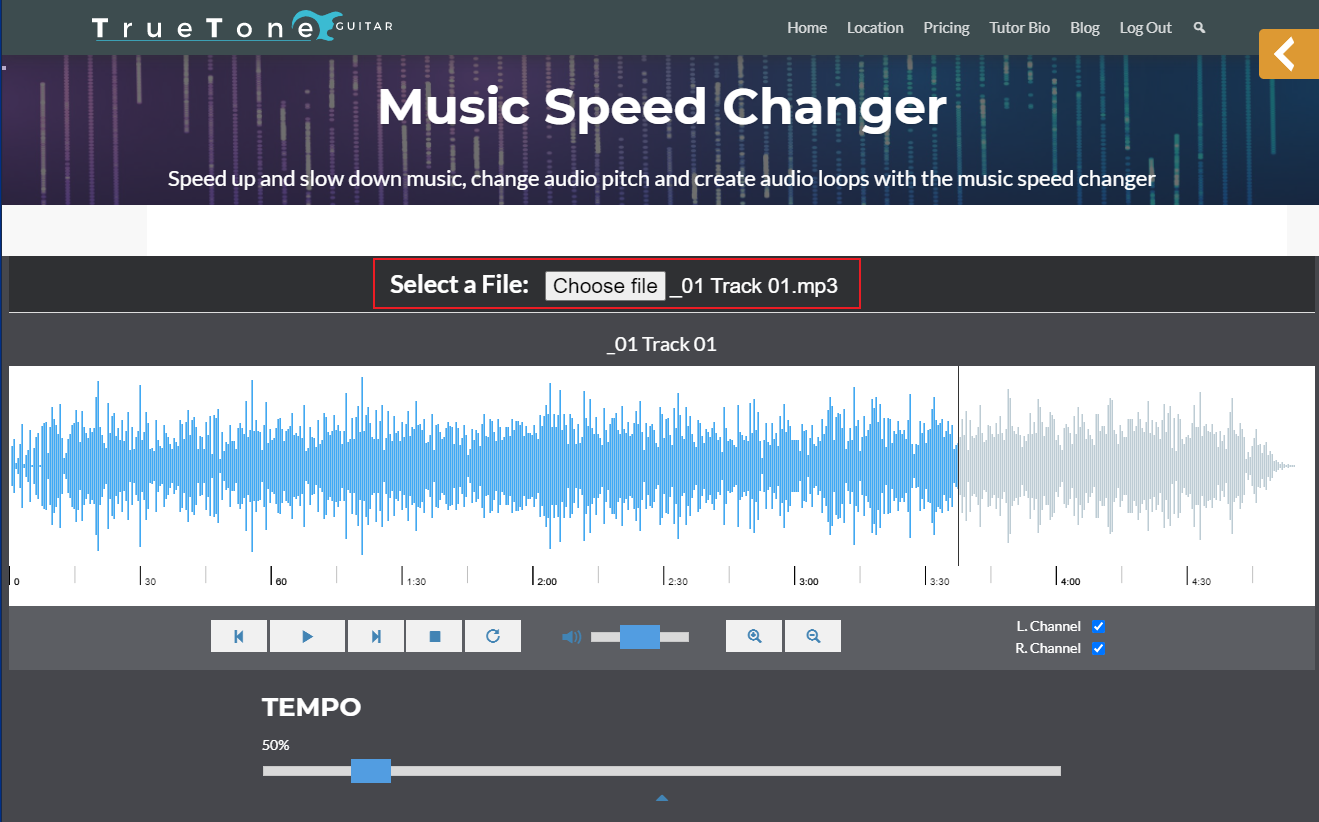
Pitch shifting can dramatically alter the emotional tone. Lowering a track adds darkness and tension, while raising it can create excitement or a surreal, otherworldly effect, ideal for trailers, cinematic edits, or comedic exaggeration.
10. Automation for dynamic movement

Automating parameters like volume, pan, or effect intensity adds life to static tracks. For example, slowly increasing reverb can make a scene feel more expansive, or panning instruments across the stereo field can immerse the viewer in the environment.
How to apply these effects to your projects
Most video editors like Final Cut Pro and Adobe Premiere Pro include built-in effects—EQ, reverb, delay, and filters, that cover basic processing needs. For more precision or creative experimentation, a dedicated DAW like Logic Pro, Ableton Live, or Reaper is recommended. Even entry-level DAWs come with native effects capable of executing all the techniques listed above, allowing you to refine your music’s texture, dynamics, and spatial character to match your visuals perfectly.
With the right effects processing, royalty-free music stops being background filler and starts enhancing your story. From tension-building filters to immersive room reverbs, these techniques help your visuals and audio work together seamlessly. And with RouteNote Licensing’s affordable plans ($4.99 for unlimited royalty-free music and $3.99 for sound effects) you can experiment freely without worrying about licensing limits, bringing professional-quality audio to every project.
Stop risking your channel’s revenue and momentum on a flawed system.
RouteNote Licensing guarantees that the music you license is protected from Content ID claims, allowing you to focus on what you do best: creating great content.
Click Here to Start Your Claim-Safe Journey Today!