
Editing music for video content – 7 top tips
Music can make or break your videos. It’s one of the most powerful tools at your disposal. The right soundtrack can elevate your content, but with a few smart editing techniques, you can do far more than simply place a track under your visuals. When used creatively, music becomes a dynamic part of your storytelling toolkit. Here are seven practical and inspiring music editing tips for video creators.
1. Using hit points in the music to enhance key moments
Aligning a noticeable musical accent, such as a chord change, big drop or an interesting vocal element, with on-screen actions instantly gives off a feeling of synchronicity. These “hit points” work brilliantly for transitions, text reveals, slow-motion shots, and product highlights. When both the audio and video land together, it creates an emotionally satisfying rhythm and impact. This will give your productions a professional, well-considered feel.
2. Editing the music arrangement to fit the content

Don’t feel as though you are limited to the structure of the original track. Most editing software allows for fairly high resolution editing or for even more control get an idea of what you want to do and perform the edits in a digital audio workstation (DAW). Some DAW’s even allow you to load in the video footage so you can edit to the footage.
For example you may want to loop the opening bars for a smoother or longer intro. Or rearrange a vocal section to fit with the onscreen action. If the song has a nice ending i.e extended chord, but you don’t want to use the whole track, edit the music so the nice, deliberate end appears earlier. These small edits give you more control over how the music fits with the visuals.
3. Making space in the music to support dialogue
If a busy melody or vocal line competes with a video’s narration or speech, you have a couple of options. Firstly you can simply restructure the song. Cut to a cleaner instrumental section to make room for your dialogue. Using a DAW to make these dits offers far more control and precision.
A second option is to use a stems separating tool such as LALAL.AI or Ultimate Vocal Remover to remove distracting layers entirely. These revolutionary tools give you the power to strip out elements such as vocals, drums, bass as well as various melodic parts. This ensures your dialogue remains clear with the music setting the tone without overpowering the scene.
4. Enhance video transitions with FX
Don’t sleep on Sound effects as they can give your transitions real character and intention. Whooshes can smooth a cut, risers build anticipation, and stingers add punch to comedic or dramatic beats. While sound fx can be used on their own, they can also be highly effective when layered under your main track. These elements help to enforce viewer emotion and can create a cohesive, polished flow between scenes. Integrated FX are especially effective for fast-paced videos or adding dynatism to your content.
5. Match your editing rhythm to the track’s BPM
Letting the music’s tempo influence your cutting style can create a more cohesive and satisfying viewing experience. Try to match the tempo of your music to the onscreen action. Faster tempos work well for energetic sequences like sports or video gameplay, whereas slower BPMs complement emotional or cinematic moments. Even if you don’t cut on every beat, matching the overall rhythm helps the video feel naturally synced to the soundtrack.
6. Use spatial effects to place the music directly in your scene
Spatial audio effects can really make your soundtrack feel alive and connected to the visuals. There are hundreds of effects and techniques available to content creators from within editing software or a separate DAW. Effects such as stereo panning can place sounds and music where the action occurs. Reverb and EQ can be used to affect the music when entering or exiting a room or space. This can be used either as a way to add a quirky feature or to sell the fact the music is actually part of the scene. Other effects, such as filters, phasing, and modulation can even convey emotions like dizziness, dreaminess, or tension, adding extra depth and creativity to your content.
7. Fit music perfectly to your runtime using pitch or timestretching
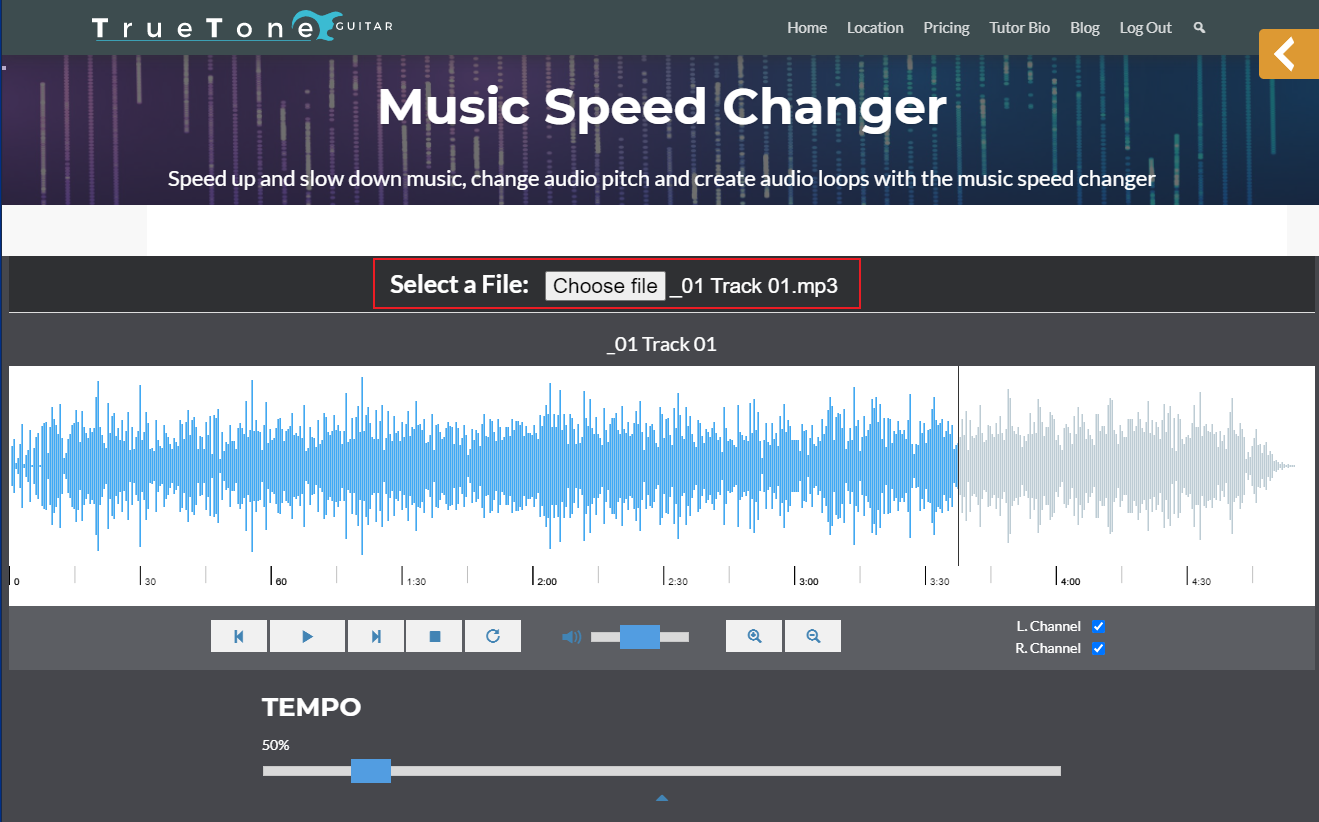
The chances of a musical underscore perfectly fitting the runtime of your edit are slim. So, rather than make the edit fit the length of the music section or settle for abrupt music cut-offs, why not opt for a change in the speed of the music.
Time-stretching lets you increase or decrease a track’s length without noticeably changing its sound and pitch. Small adjustments of just a few percent are often enough to make the music land exactly where you need it. While editing software such as Premiere Pro and Final Cut offer basic timestretching, the quality is poor. You are much better off using the editing software to give you a timestretch amount in a percentage and then use a dedicated time-stretching tool in a DAW to produce the stretch. Alternatively, if you only need to alter the speed slightly you could just pitch the music up or down accordingly. Unlike timestretching the pitch of the music will naturally change so this is not suitable for considerable speed changes. Especially if the music contains a vocal.
Stop risking your channel’s revenue and momentum on a flawed system.
RouteNote Licensing guarantees that the music you license is protected from Content ID claims, allowing you to focus on what you do best: creating great content.
Click Here to Start Your Claim-Safe Journey Today!