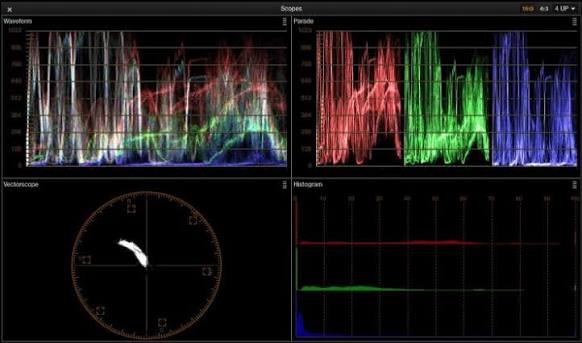
How to match exposure between shots with a luma waveform
A luma waveform lets you compare brightness between shots even when your eyes have started to adapt to the screen. It shows how bright the picture signal is from left to right. If an interview suddenly seems brighter when you cut to the second camera, the waveform can help you work out whether the face has changed, the background is brighter or a window is doing most of the work.
Read across the scope as well as up it
The left side of the waveform corresponds to the left side of the image, and higher marks indicate a brighter signal. Several marks can appear at the same horizontal position because that column of the picture can contain objects at different brightness levels. Imagine someone in a dark jacket standing in front of a white wall. In the part of the waveform where they’re standing, you might see a high band from the wall and a lower one from the jacket. Look for a recognisable patch of the image before trying to explain every line on the scope.
Match the thing the viewer is looking at
Pick a reference shot first. In an interview, that might be the angle where you like how the key light falls across the face. If your editor supports a comparison view, use it to see the reference and the second angle close together. When each camera shoots in a different log profile, check that your clips are being transformed into the intended working or output space before comparing them.
Next, look for something that should stay reasonably consistent across the cut. It could be the lit side of a face, a grey card captured during setup or the front of a product. Compare that part of the image, make a small correction and then check the highlights and shadows. If one camera sees more of a bright window, its waveform will naturally look different. Forcing both traces into the same shape can make the person you’re filming look wrong.
Finally, play across the edit at normal speed. You’re looking for a smooth transition of attention. If the cut feels natural but one trace is still higher because of a practical lamp in frame, you may already have the match you need. If the brightness is close and the shots still look different, check the white balance and colour. An RGB parade shows the colour channels separately and can help you spot a cast that a luma waveform alone won’t explain. Adobe’s guide to waveform and parade displays
Once the angles cut together smoothly, explore the RouteNote Licensing music collections if the scene needs a bed that can carry across the edit.